

Operating Systems and Utility Programs provides a comprehensive overview of system software, including the functions and features of various operating systems. This resource is essential for students studying computer science or information technology, focusing on topics such as the startup process, memory management, and network operating systems. It also covers utility programs that assist in maintaining system performance and security. Ideal for learners seeking to understand the foundational concepts of operating systems and their applications in modern computing.

Key Points

  • Explains the startup process of personal computers and the role of the BIOS.
  • Covers memory management techniques, including virtual memory allocation.
  • Discusses various types of operating systems, including embedded and network systems.
  • Details the functions of utility programs that enhance system performance and security.
Faith Grace Ngwira
50 pages
Language:English
Type:Textbook
Faith Grace Ngwira
50 pages
Language:English
Type:Textbook
Faith Grace Ngwira
50 pages
Language:English
Type:Textbook
404

Operating Systems and Utility Programs – Week 6 pdf

/ 50
Operating
Systems and
Utility Programs
Chapter Objectives
Identify the types of system software
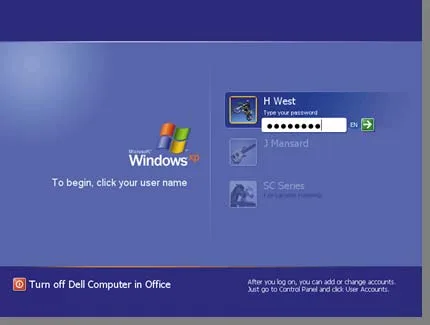
Summarize the startup process
on a personal computer
Summarize the startup process
on a personal computer
Discuss ways that some operating
systems help administrators control a
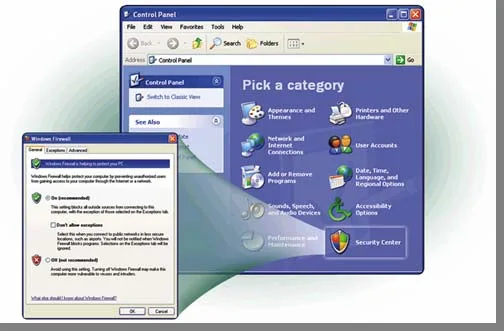
network and administer security
Discuss ways that some operating
systems help administrators control a
network and administer security
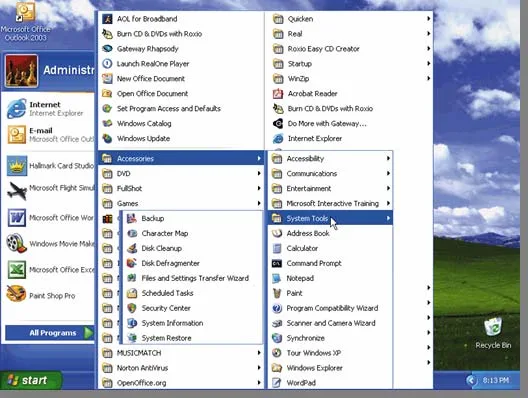
Explain the purpose of the utilities
included with most operating systems
Explain the purpose of the utilities
included with most operating systems
Summarize the features of several
stand-alone operating systems
Summarize the features of several
stand-alone operating systems
Identify various network operating systems
Identify devices that use several
embedded operating systems
Identify devices that use several
embedded operating systems
Explain the purpose of several
stand-alone utility programs
Explain the purpose of several
stand-alone utility programs
Next
Describe the functions of an operating system
System Software
What is system software?
Next
Operating system (OS)
(sometimes called the platform)
coordinates all activities
among computer
among computer
hardware
hardware
resources
resources
Programs that
Programs that
maintain operation
maintain operation
of computer
of computer
Two types are
Two types are
operating systems
operating systems
and utility programs
/ 50
End of Document
404

FAQs

What are the main functions of an operating system?
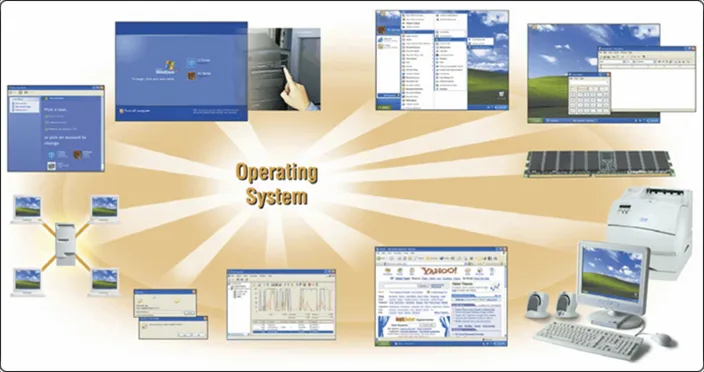
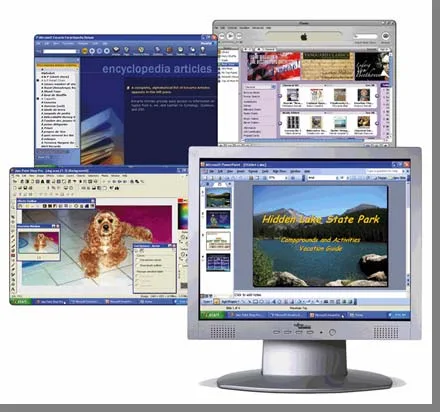
An operating system (OS) performs several critical functions, including starting the computer, providing a user interface, managing programs, and controlling memory. It also establishes Internet connections, administers security, and monitors performance. Additionally, the OS provides file management and other utilities, ensuring that hardware resources are efficiently coordinated.

What is the process of booting a computer?
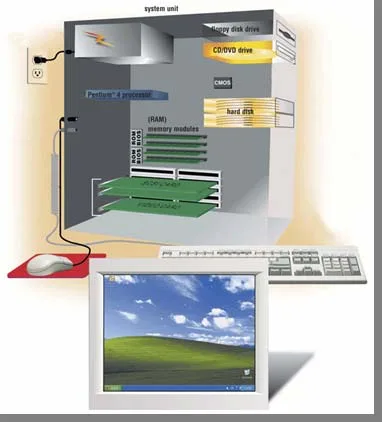
Booting a computer involves several steps. First, the power supply sends a signal to components in the system unit. The processor then accesses the BIOS to start the computer, which runs tests called POST to check components like the mouse and keyboard. Following this, the BIOS looks for system files in various drives, and finally, the kernel of the operating system loads into RAM, displaying the desktop on the screen.
What is the purpose of a recovery disk?
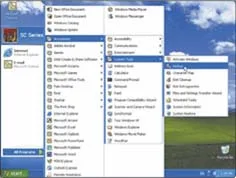
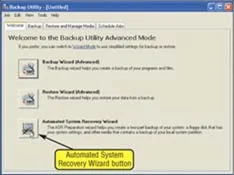
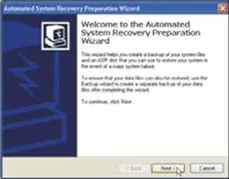
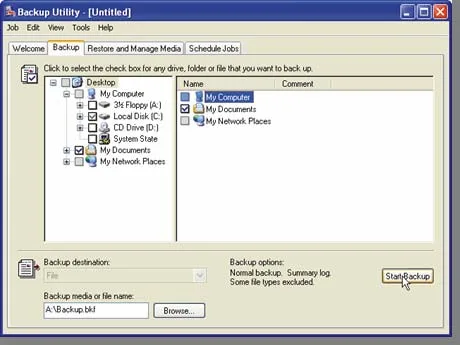
A recovery disk contains system files that will start the computer when it cannot boot. It is also referred to as a boot disk. The process of creating a recovery disk typically involves using the Backup Utility in the operating system, which guides users through the steps to ensure that essential system files are saved onto a diskette.
What is a graphical user interface (GUI)?
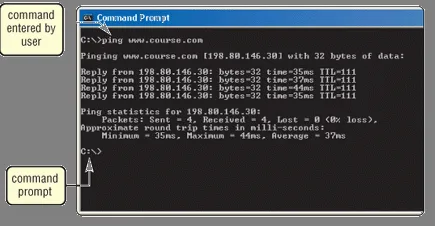
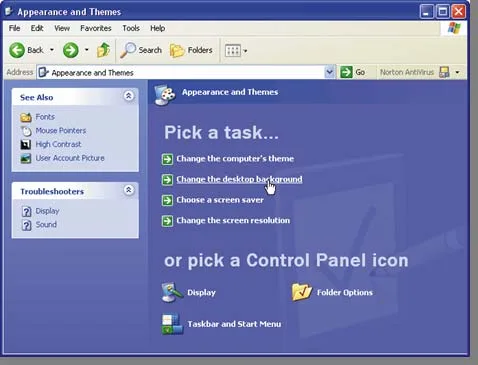
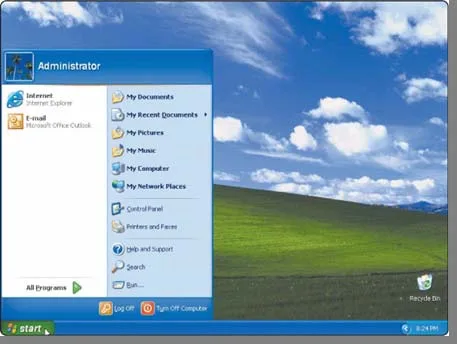
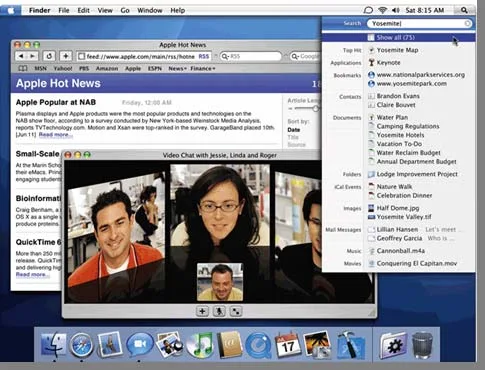
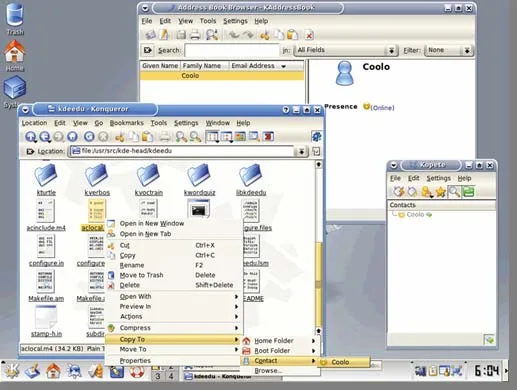
A graphical user interface (GUI) allows users to interact with the computer through visual elements such as menus, icons, and buttons. Unlike command-line interfaces, which require text commands, GUIs provide a more intuitive way for users to navigate and execute commands. This interaction enhances user experience by making it easier to access and manage applications.
What are the types of operating systems mentioned in the document?
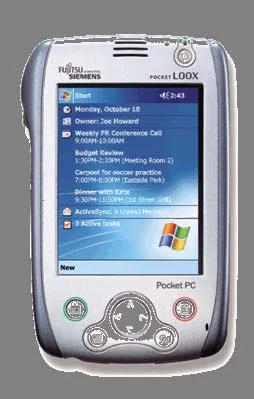
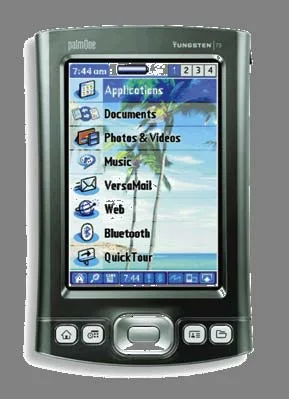
The document identifies three categories of operating systems: stand-alone, network, and embedded operating systems. Stand-alone operating systems run on personal computers, while network operating systems allow users to share resources over a network. Embedded operating systems are found in devices like mobile computers and PDAs, providing specialized functions.
How does memory management work in operating systems?
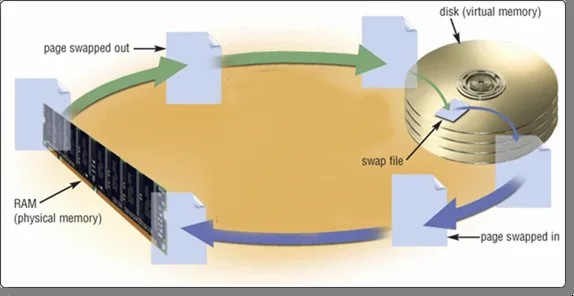
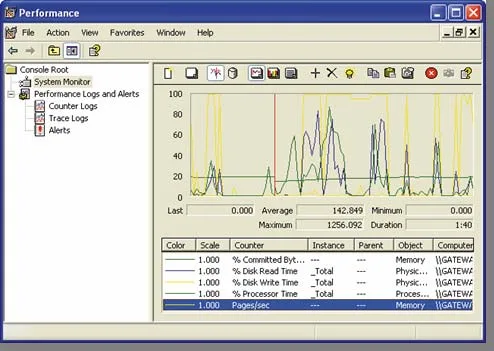
Memory management in operating systems optimizes the use of random access memory (RAM). The OS transfers the least recently used data and program instructions to disk when memory is needed for other functions. It also utilizes virtual memory, where a portion of the hard disk acts as additional RAM, allowing for more efficient data handling.
What is the role of a device driver in an operating system?
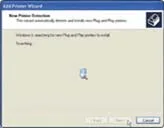
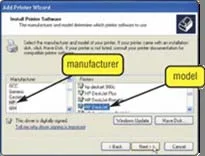
A device driver is a program that tells the operating system how to communicate with a specific hardware device. With Plug and Play technology, the operating system can automatically configure new devices as they are installed. This simplifies the process of integrating hardware components into the system.