Chapter 2b focuses on the essential components of computers, detailing hardware and software functions. It explains the roles of input and output devices, including keyboards, mice, and printers, as well as the system unit and memory types. This chapter is designed for students learning about computer architecture and technology. Key topics include the differences between various computer types, such as desktops and laptops, and the importance of understanding binary language. Ideal for beginners and those seeking to enhance their computer literacy.
Key Points
Explains the fundamental components of computer hardware and software.
Covers various input devices like keyboards, mice, and scanners.
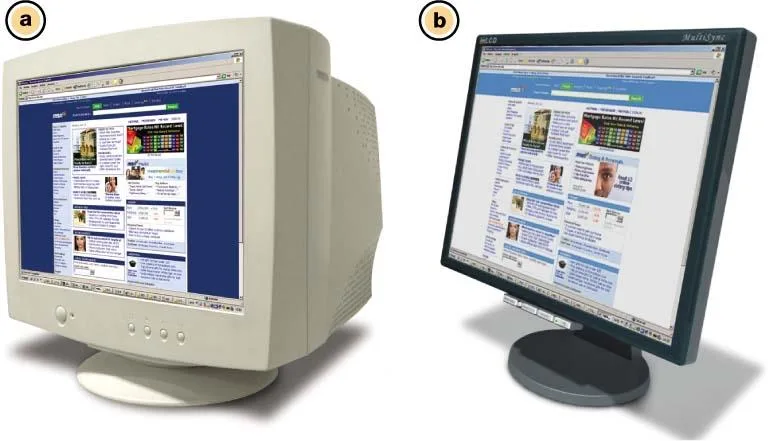
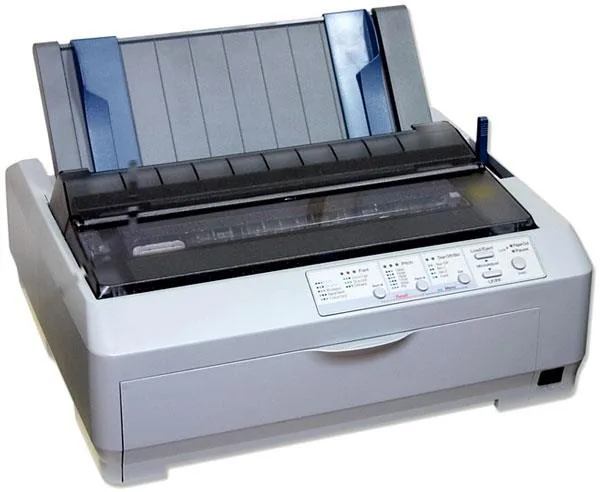
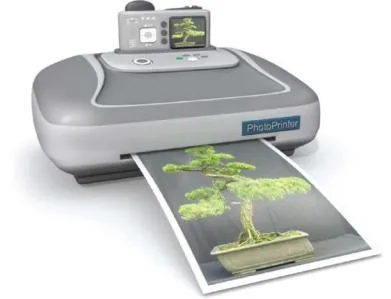
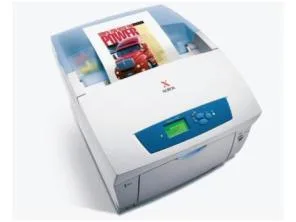
Details output devices including monitors and printers.
Discusses the system unit, memory types, and their functions.
This link leads to an external site. We do not know or endorse its content, and are not responsible for its safety. Click the link to proceed only if you trust this site.
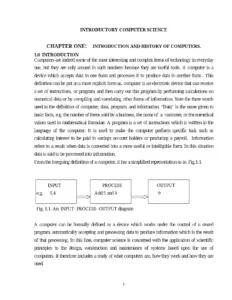
Introductory Computer Science – Chapter One: Introduction and History of ComputersTextbook
PDFTextbook
Logic and Critical Thinking Lecture Notes – Chapters 1–6Textbook
PDFTextbook
History Lecture Notes – Chapters 3 and 4Textbook
PDFTextbook
Geography Lecture Notes 1: Chapters 1–6Textbook
PDFTextbook
Introduction to Petroleum Industry – Chapter 1Textbook
PDFTextbook
Economic Principles and Theories – Chapter OverviewTextbook
PDFTextbook
Introduction to Information Technology – Unit 1: Introduction To ComputerTextbook
PDFTextbook
Engineering Mechanics: Statics and Structures – Chapter 1Textbook
PDFTextbook
Devotional Paths to the Divine – History ChapterTextbook
PDFTextbook
General Psychology (Psyc 1011)Textbook
PDFTextbook
Corn Growth Stages ChartTextbook
PDFTextbook
How To Draw Cool Stuff by Catherine V HolmesTextbook
FAQs
What are the main functions of a computer?
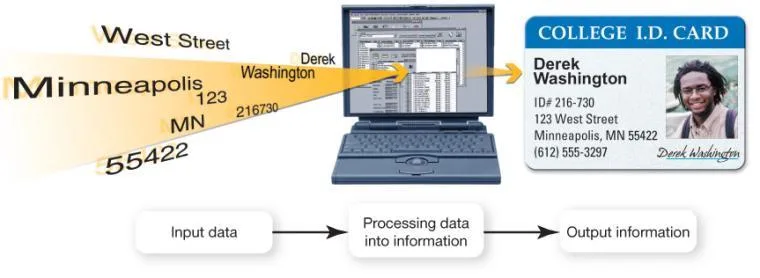
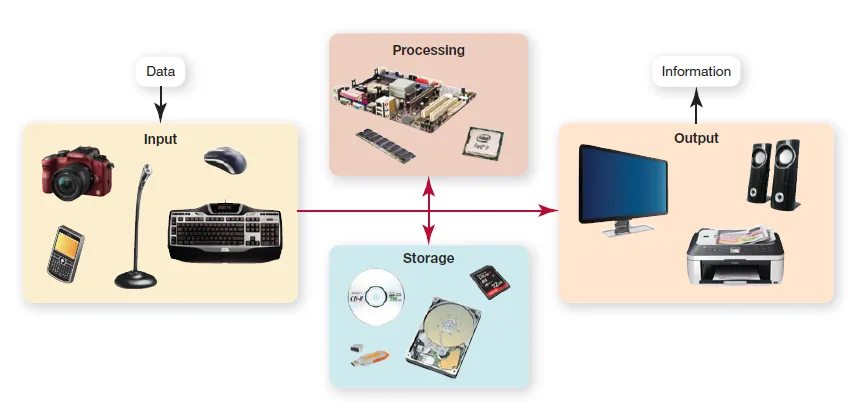
Computers serve as data processing devices with four primary functions. They gather data through user input, process that data into information, output the processed data or information, and store both data and information for future use. This cycle of data handling is fundamental to how computers operate, allowing users to perform various tasks efficiently.
What is the difference between data and information?
Data is defined as the representation of a fact, figure, or idea, while information is organized, meaningful data. This distinction is crucial in understanding how computers transform raw data into useful information, which can then be utilized for decision-making and analysis.
What are the two basic designs of computers?
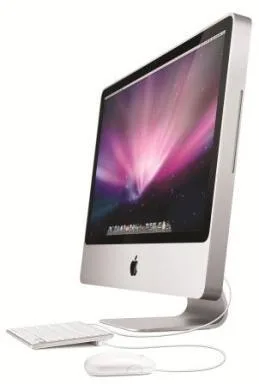
The two basic designs of computers are notebook computers (laptops) and desktop computers. Notebook computers are portable, powered by batteries, and integrate components like keyboards and monitors into a single case. In contrast, desktop computers are stationary and typically referred to as personal computers (PCs), designed for use at a single location.
What are the primary components of a computer?
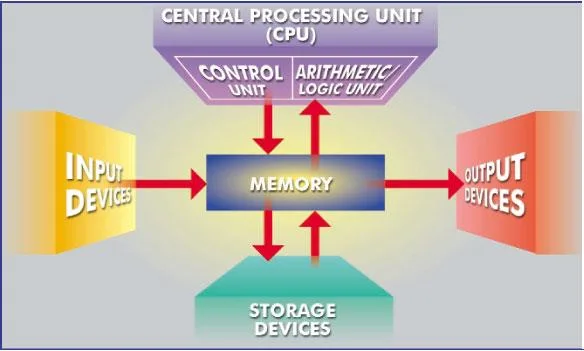
The primary components of a computer include input devices, output devices, the system unit, memory, and storage devices. Input devices allow users to enter information into the computer, while output devices send processed data out. The system unit houses critical components like the CPU and RAM, and memory is essential for storing instructions and data temporarily.
What types of input devices are commonly used?
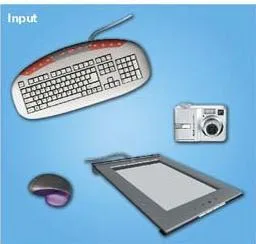
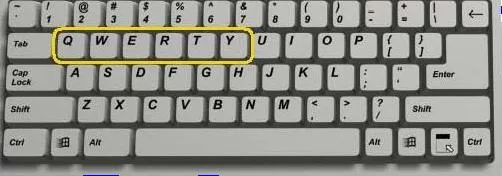
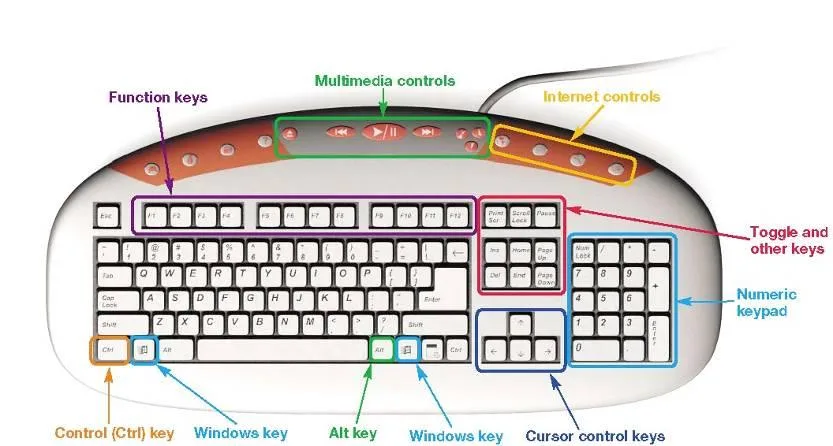
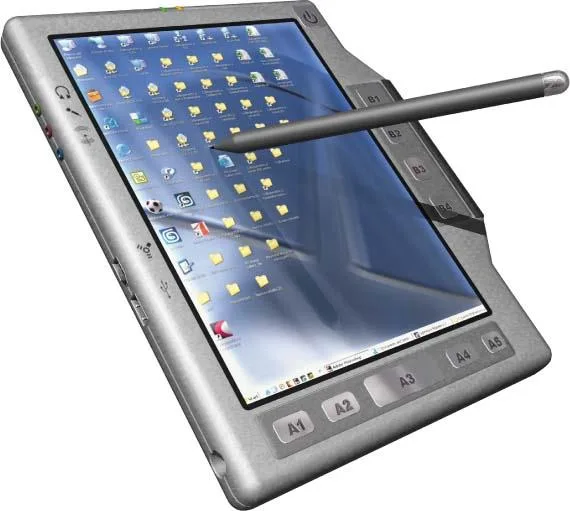
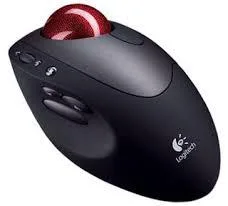
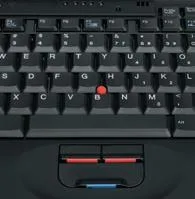
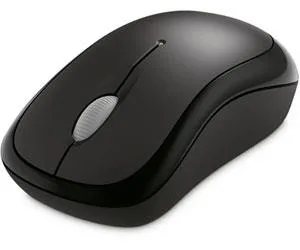
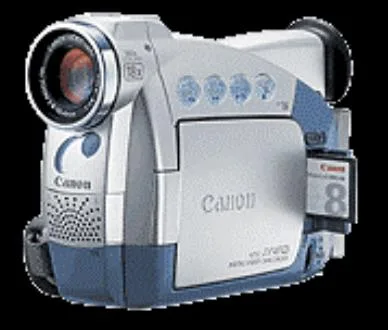
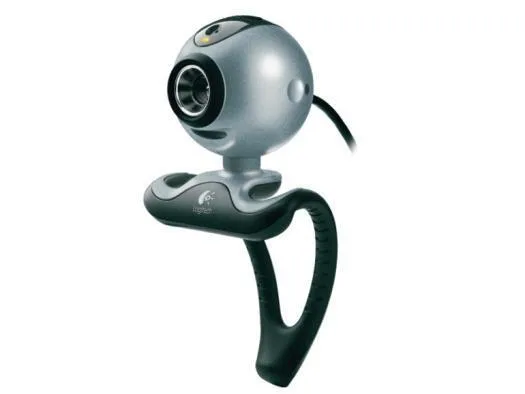
Common input devices include keyboards and mice, which enable users to enter information into the computer. Other input devices consist of styluses, scanners, digital cameras, and microphones, each serving specific functions in data entry and interaction with the computer system.
How does the Central Processing Unit (CPU) function in a computer?
The Central Processing Unit (CPU) is often referred to as the 'brain' of the computer. It controls all functions and processes commands and instructions at high speeds, performing billions of tasks per second. This makes the CPU a critical component for the overall performance and efficiency of a computer.
What are the different types of output devices?
Output devices are used to send processed data out of the computer. Common types include monitors, which provide soft copies of information, and printers, which produce hard copies. Each type of output device plays a vital role in how users receive and interact with the information processed by the computer.