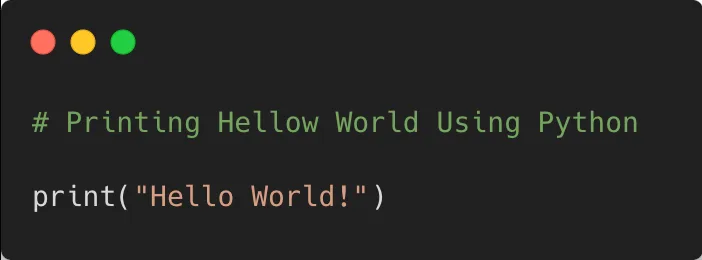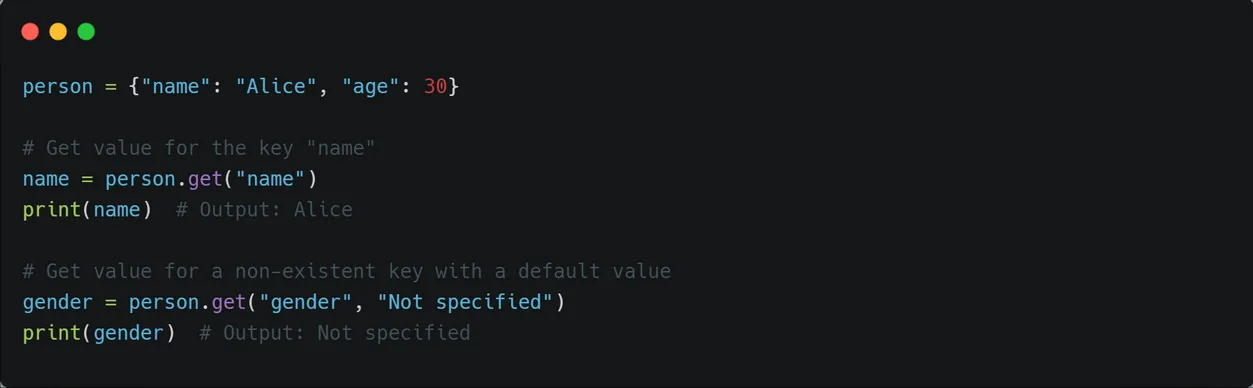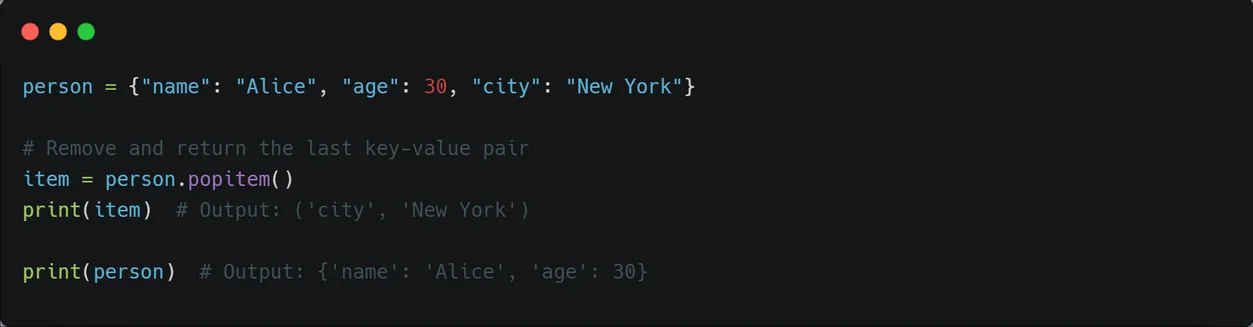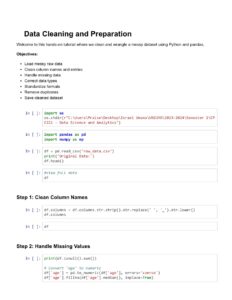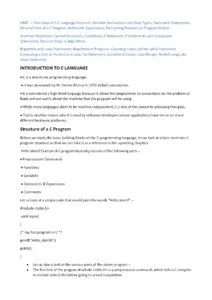


Introduction to Python Programming covers essential concepts for beginners learning Python. It explains what Python is, highlighting its features and applications in various domains. The content includes installation instructions and guides readers through writing their first Python program. Key topics include Python’s syntax, control flow, and built-in data structures like dictionaries. This resource is ideal for aspiring programmers and students seeking a foundational understanding of Python programming.

Key Points

  • Explains the basics of Python programming and its general-purpose applications.
  • Covers key features of Python, including readability and versatility for beginners.
  • Includes installation steps and guidance on writing the first Python program.
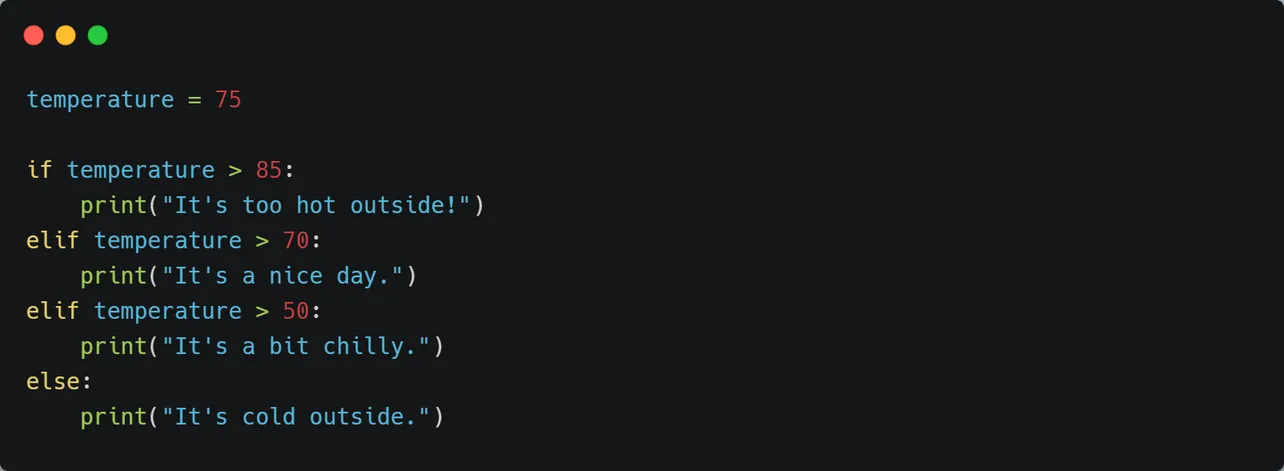
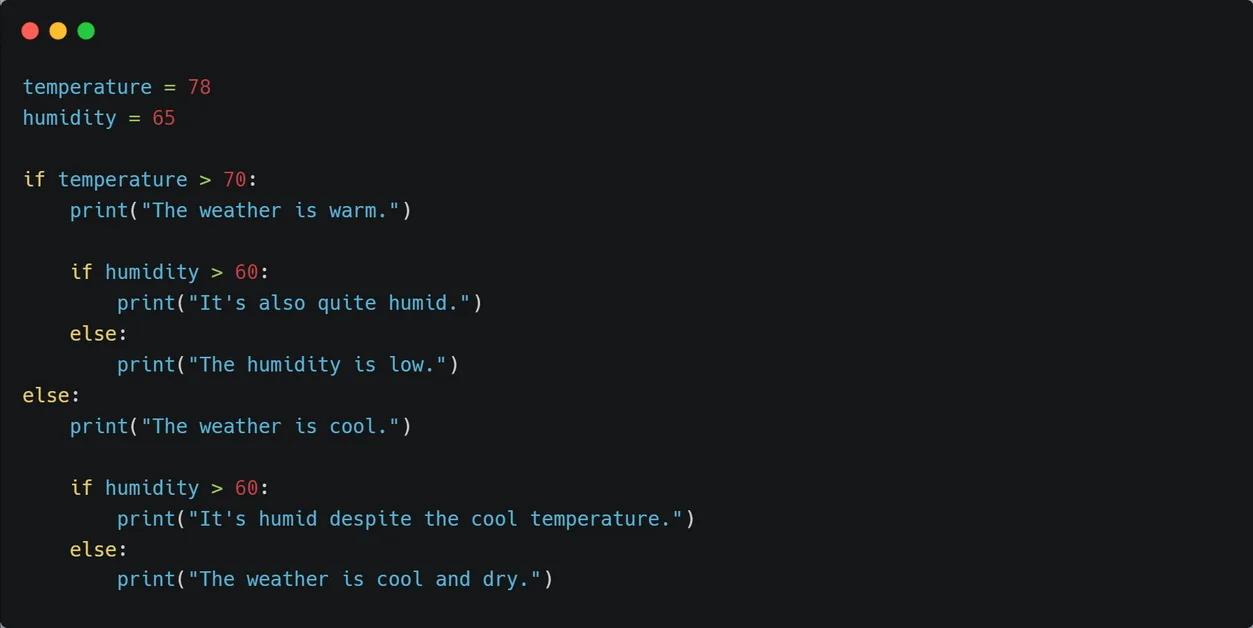
  • Discusses control flow statements and built-in data structures like dictionaries.
Joseph Akujieze
Author:Yadneyesh
68 pages
Language:English
Type:Tutorial
Joseph Akujieze
Author:Yadneyesh
68 pages
Language:English
Type:Tutorial
290
/ 68
By @Curious_.programmer
CodeWithCurious.com
Today’s Topics:
What is Python?
Features of Python
Applications Of Python
Python Installation
First Python Program
1.1 What is Python?
Python is a general-purpose, dynamic, high-level, and
interpreted programming language.
It is designed to be simple and easy to learn, making it
an ideal choice for beginners.
One of the key strengths of Python is its versatility.
Python supports the object-oriented programming
approach, allowing developers to create applications
with organized and reusable code.
1.2 Features of Python
Readability: Python's syntax is designed to be clear and
readable, making it easy for both beginners and
experienced programmers to understand and write
code.
Chapter 1: Introduction
to Python
Yadneyesh (Curious Coder)
CodWithCurious.com
Made By:
Find More PDFs on Our Telegram Channel
Search “Curious_Coder” on Telegram
Copyrighted By : Instagram: Curious_.Programmer
CodeWithCurious.com
Want Complete PDF? Download From Our Telegram
Channel @Curious_Coder
Simplicity: Python emphasizes simplicity and avoids
complex syntax, making it easier to learn and use
compared to other programming languages.
Dynamic Typing: Python is dynamically typed, meaning
you don't need to explicitly declare variable types.
Large Standard Library: Python provides a vast standard
library with ready-to-use modules and functions for
various tasks, saving developers time and effort in
implementing common functionalities.
Object-Oriented Programming (OOP): Python supports
the object-oriented programming paradigm, allowing
for the creation and manipulation of objects, classes,
and inheritance.
Cross-Platform Compatibility: Python is available on
multiple platforms, including Windows, macOS, and
Linux, making it highly portable and versatile.
Extensive Third-Party Libraries: Python has a vast
ecosystem of third-party libraries and frameworks that
expand its capabilities in different domains, such as web
development, data analysis, and machine learning
Copyrighted By : Instagram: Curious_.Programmer
CodeWithCurious.com
Want Complete PDF? Download From Our Telegram
Channel @Curious_Coder
/ 68
End of Document
290

FAQs

What are the main features of Python programming?

Python has several key features that make it a popular programming language. It emphasizes readability with clear syntax, making it accessible to both beginners and experienced programmers. Python is designed for simplicity, avoiding complex syntax, which facilitates learning. It supports dynamic typing, meaning variable types are determined at runtime, and it has a large standard library that provides ready-to-use modules for various tasks. Additionally, Python is object-oriented, supports cross-platform compatibility, and has extensive third-party libraries for diverse applications.

What are some common applications of Python?

Python is widely used across various domains due to its flexibility and ease of use. Key applications include web development with frameworks like Django and Flask, which allow for the creation of dynamic websites and applications. In data analysis and visualization, libraries such as NumPy, Pandas, and Matplotlib make Python a preferred choice for processing and visualizing data. Furthermore, Python is dominant in machine learning and artificial intelligence, with libraries like TensorFlow and Keras providing powerful tools for implementing complex algorithms.

How do you install Python on Windows?

To install Python on Windows, you need to visit the official Python website at www.python.org/downloads. From there, select the latest Python 3.x.x release that matches your system requirements. You can choose either the 'Windows x86-64 executable installer' for 64-bit systems or the 'Windows x86 executable installer' for 32-bit systems. After downloading, run the installer and follow the instructions to complete the installation process.

What is the purpose of comments in Python?

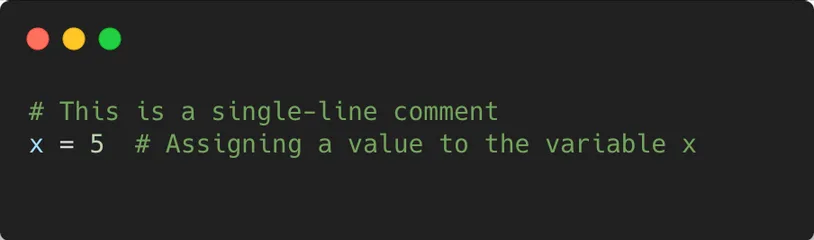
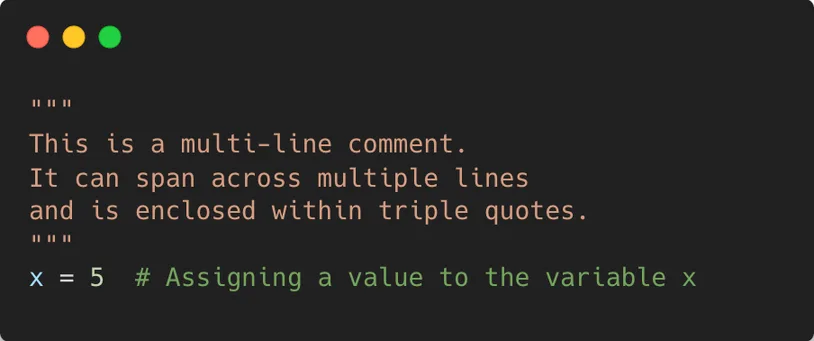
Comments in Python serve to provide explanatory notes within the code that are not executed by the interpreter. They enhance code readability and are useful for leaving reminders or explanations for other developers. In Python, comments are indicated by the hash symbol (#) followed by the comment text. There are two types of comments: single-line comments, which start with a hash symbol and continue until the end of the line, and multi-line comments, which can be created using triple quotes to encompass text spanning multiple lines.

What is pip in Python?

Pip is a package manager for Python, standing for 'pip installs packages' or 'pip installs Python.' It simplifies the process of installing, managing, and uninstalling external libraries or modules that extend Python's functionalities beyond the standard library. Pip allows users to find and download libraries from the Python Package Index (PyPI), a repository maintained by the community. Users can install packages by executing simple commands in their terminal or command prompt.

What are the types of modules in Python?

In Python, there are three main types of modules: built-in modules, external modules, and user-defined modules. Built-in modules are pre-installed with Python and part of the standard library, providing functionalities like mathematical operations and date handling. External modules are created by third-party developers and can be installed using package managers like pip, offering additional capabilities. User-defined modules are created by programmers to organize code into separate files for reuse across multiple programs.