


Experiment No.3
Date: 21.07.2026
TOPOLOGY OPTIMIZATION
Aim:
To determine the optimal material distribution in a cantilever
beam by performing topology optimization using Abaqus
software. The optimization seeks to minimize the total strain
energy of the structure, there by maximizing its stiffness, while
satisfying a volume constraint that limits material usage to 30%
of the original design space. This approach enables efficient
structure performance by strategically removing material from
low-stress regions, resulting in a lightweight and mechanically
effective design.
Young’s modulus = 210000
Poisons Ratio = 0.3
Beam Length = 150 mm
Beam Width = 100mm
Concentrated Force = 250 N
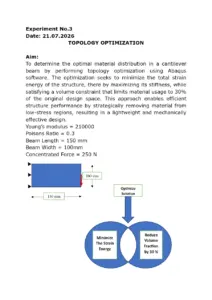
Minimize
The Strain
Energy
Reduce
Volume
Fraction
by 30 %
Optimize
Solution
150 mm
100 mm

Procedure
Module: Part
a) Create part → Name: Beam → Modeling space: 2DPlanar → Type:
Deformable → Base Feature: Shell → Type: Planar → Approximate Size:
400 → Continue
b) Create lines: Connected → Pick a starting point for the line of entry X,Y
Point 1 = (0,0)→(150,0)→(150,50)→(150,50)→(150,100)→(0,100)→(0,0)
c) Sketch the section of wire: done
Module: Property
a) Create material property → Name: Steel →
Mechanical → Elasticity → Elastic → Type: Isotopic → Young’s Modulus: 210000
Mechanical → Elasticity → Elastic → Type: Isotopic → Poisson’s Ratio: 0.3 → ok
b) Create Section → Category: Solid → Type: Homogeneous → Continue
Edit Section
Material → Material-
Plane stress/strain thickness: 1 → ok
c) Assign Section → Select the regions to be assigned a section (Select the beam
on screen) → Done
Edit Section Assignment
Section: Section-1 → ok
Module: Assembly
a) Create Instance → Create Instance from: Parts → Parts: Part-1 →
Instance type → Dependent (Mesh on part) → ok
Module: Step
a) Create Step → Name: Step-1 → Insert new step after: Initial → Procedure
Type: General → Static, General → Continue
Edit Step → Basic → Time Period: 1 → Nlgeom: off
Incrementation→ Type: Automatic → Maximum number of Incrementation: 100,
Increment size: Initial:0.1→ Minimum:1E-005 → Maximum→ tamil ok

b) Field Output Manager → Edit → Edit Field Output Request → Domain: Whole
Model → Frequency → Every n increment → n:1 → Output Variables: S, E, U,
RF, NFORCSO → ok → close
c) History Output Manager → Delete → Yes → close
Module: Mesh
a) Object: Part
b) Seed → Part → Global Seeds → Sizing Control → Approximate Global Size: 2.5
→ Apply → ok
c) Mesh→ Control → Element Shape: Quad → Technique: Free → Algorithm:
Medial Axis, Minimize the mesh tradition → ok
d) Mesh → Element Type → Control Select the regions to be assigned element
type (select the beam) → Done → Element Type → Element Library: Standard →
Geometry order: Linear → Family: Plane Stress → Reduced Integration →
CPS4R: 4-node bilinear plane stress quadrilateral, reduced integration, hourglass
control → ok
e) Mesh → Part → Ok to Mesh the part? → Yes
f) View → Part display options → Mesh → Show node label → Show element label
→ Apply → ok
Total number of nodes: 2501
Total number of elements: 2400
Module: Load
a) Create Load → Name: Load → Step: Step-1 → Category: Mechanical → Type
of selected step → Concentrated force → Continue → Select the Point for the
load (150,50) → Done → Distribution: Uniform → CF1:0 → CF2: -250 → ok
b) Create Boundary Condition → Name: BC-1 → Step: Step-1 → Category:
Mechanical → Type of Selected Step : Symmetry/Antisymmetry/Encaster →
Continue → Select Regions for the boundary condition → Select (0,0) to (0,100)
Edge - Fixed (Selected) → Done → Encastre: U1=U2=U3=UR1=UR2=UR3=0 →
ok
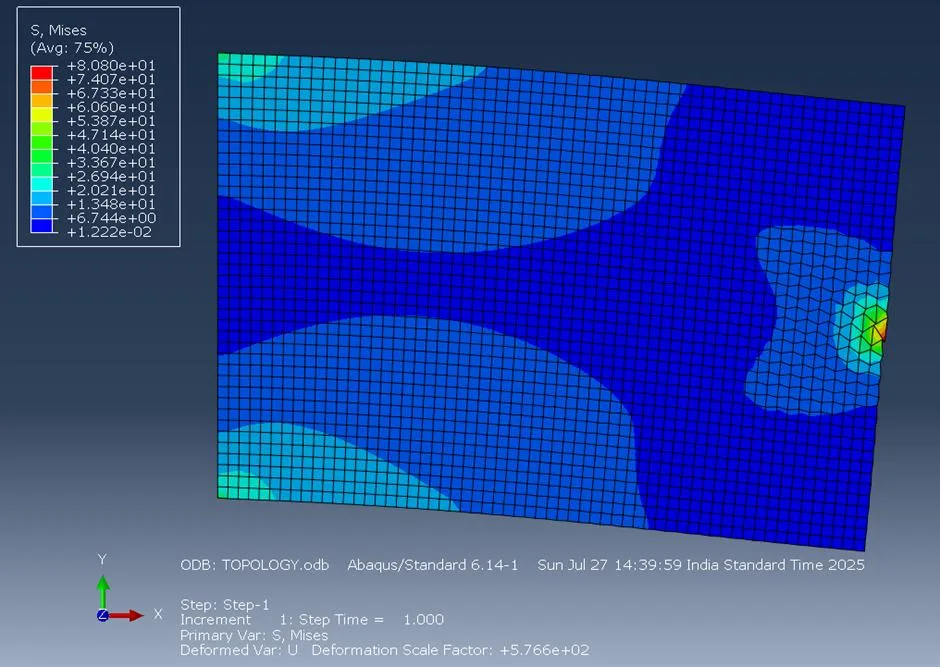
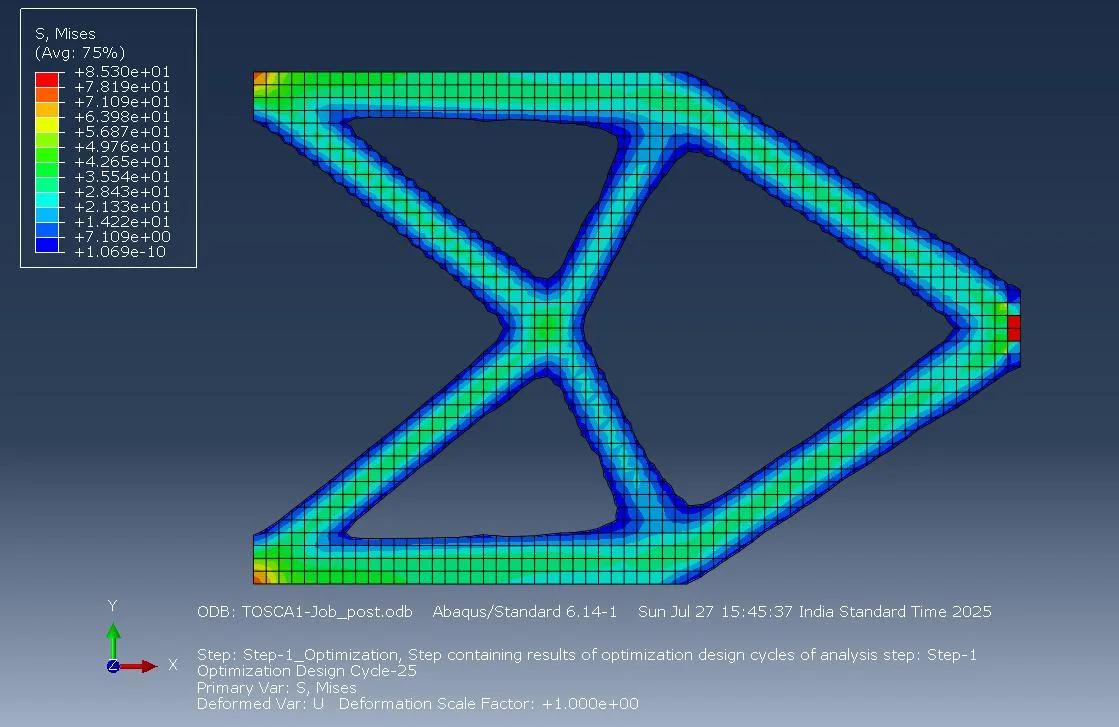
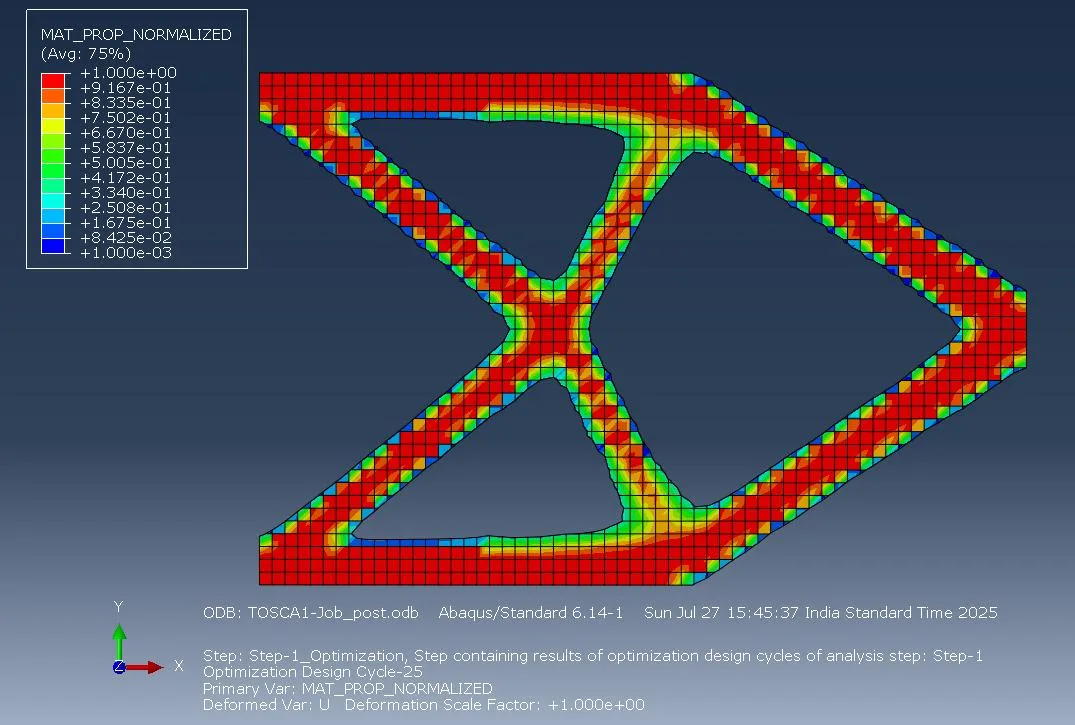
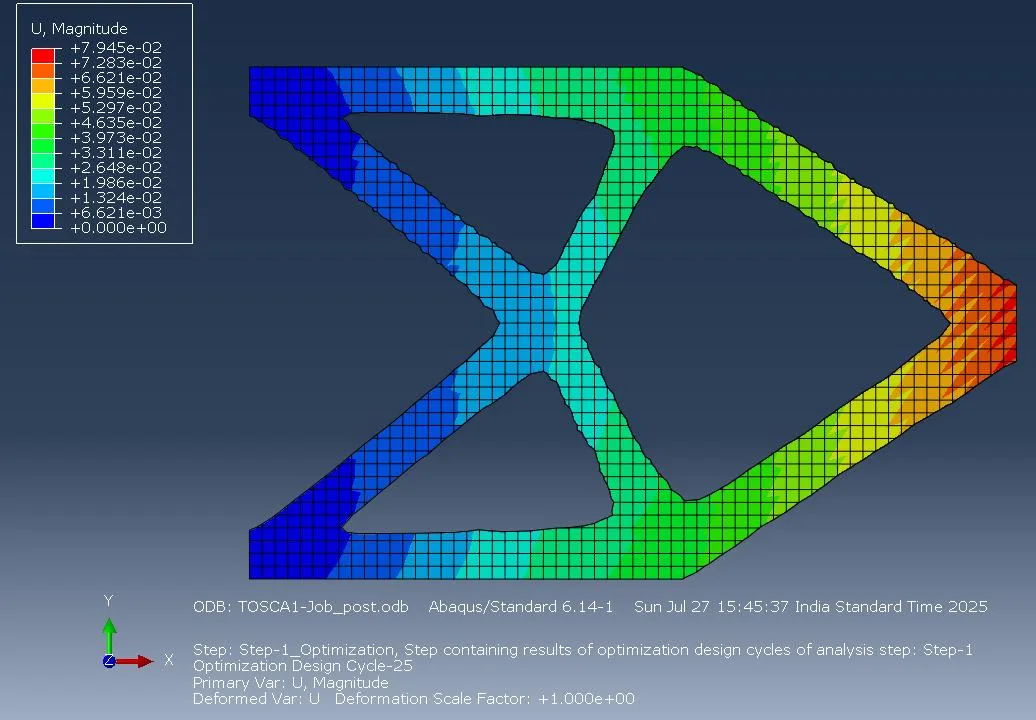
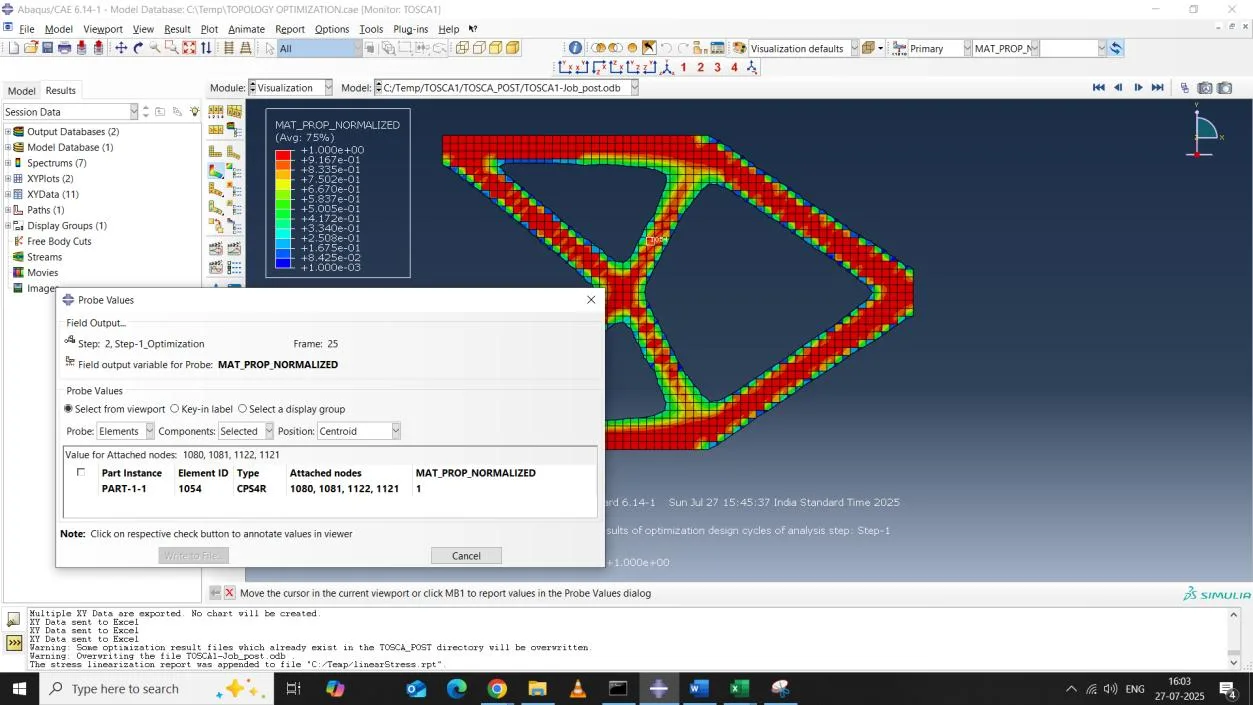
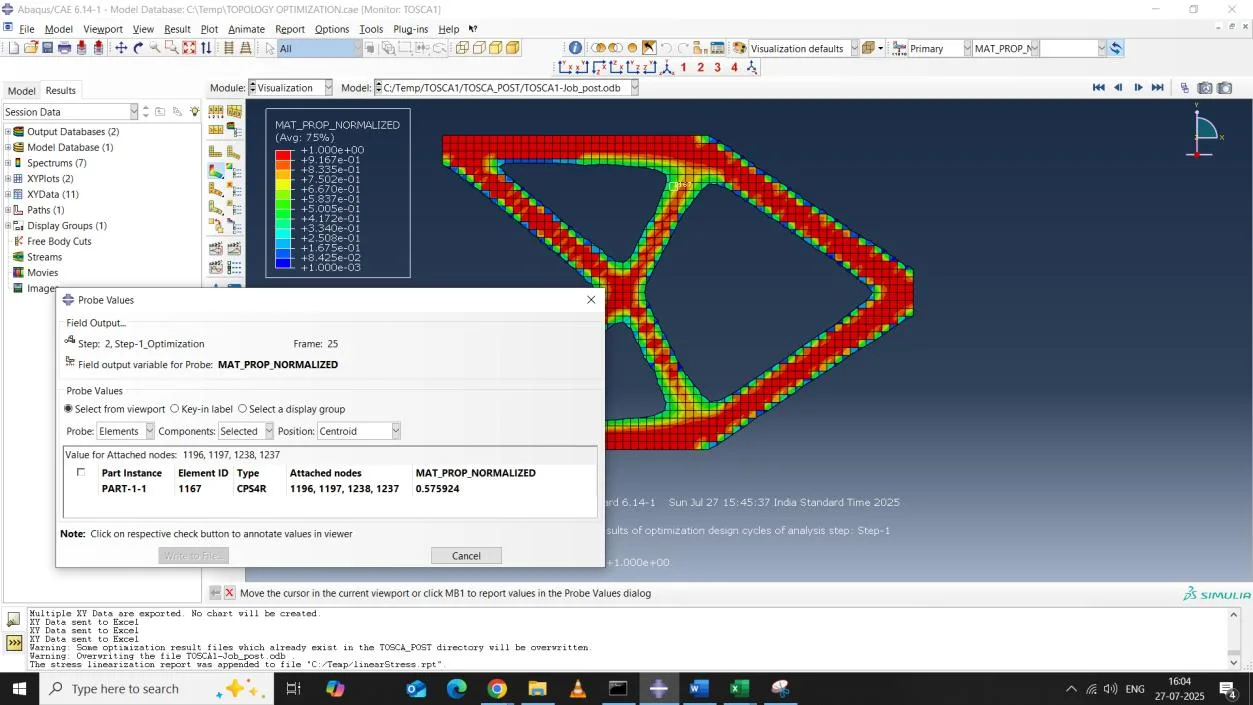
Figures