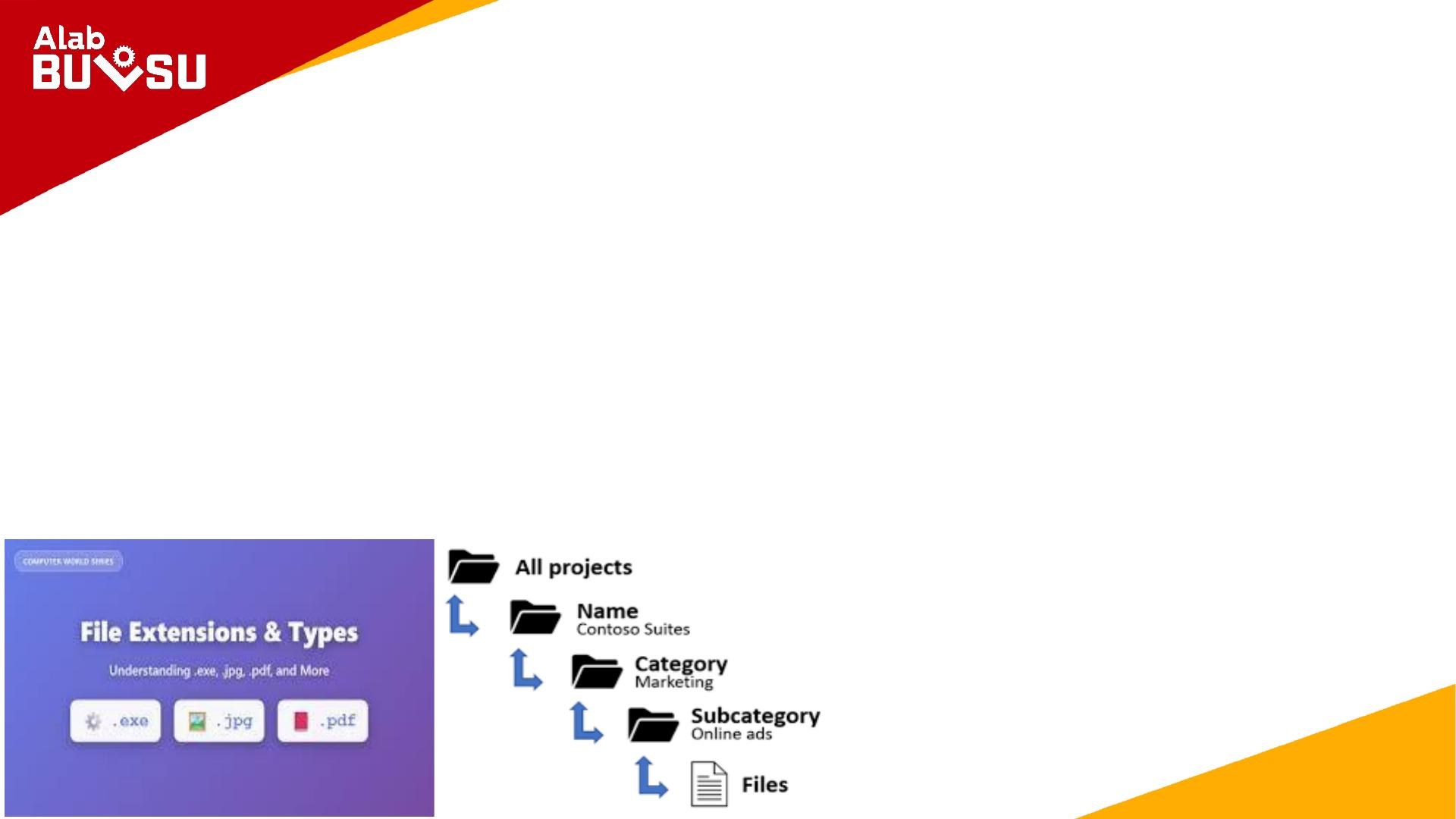


File Management and Organization focuses on the systematic processes of creating, organizing, storing, naming, and controlling digital files. This course, designed for students in information technology, emphasizes understanding file extensions, mastering folder structures, and utilizing productivity software. Key topics include the importance of file management for accessibility and security, as well as strategies for effective organization. Ideal for those looking to enhance their digital file management skills.

Key Points

  • Explains the significance of file management in digital environments.
  • Covers essential file extensions and their meanings for various file types.
  • Details folder structures and their role in efficient file organization.
  • Introduces productivity software tools like Microsoft Word, Excel, and PowerPoint.

Mary Ann Salvacion
Author:Angelo V. Pulongbarit
Edition:Rev. 1
32 pages
Language:English
Type:Study Guide
Mary Ann Salvacion
Author:Angelo V. Pulongbarit
Edition:Rev. 1
32 pages
Language:English
Type:Study Guide
328
/ 32
IIT 103
File Management and Organization
Presented By: Pulongbarit, Angelo V.
Learning Objectives:
Understanding File Extensions
Learning Objectives:
Understanding File Extensions
Mastering Folder Structures
/ 32
End of Document
328

FAQs

What are the key components of effective file management?
Effective file management includes creating a systematic process for organizing and storing files, ensuring they are easily accessible and secure. Key components involve understanding file extensions, which indicate the format and content of files, and establishing a clear folder structure that allows for quick navigation. Regular maintenance, such as cleaning up unused files and archiving old projects, is also crucial for maintaining an organized digital workspace.
How do file extensions impact file management?
File extensions are critical in file management as they inform the operating system about the file format and which program to use for opening it. For example, a .docx file is recognized as a Microsoft Word document, while a .jpg file is identified as an image file. Without these extensions, the system would struggle to categorize and manage files correctly, leading to confusion and inefficiency.
What strategies can improve folder organization?
Improving folder organization can be achieved by creating a hierarchy of main folders for broad categories, such as projects or finances, and using nested subfolders for specific details. Consistent naming conventions, like including dates or project names, enhance searchability and sorting. Limiting the depth of subfolders ensures that files remain easily accessible, ideally within three to four clicks.
What productivity software is covered in this course?
The course covers various productivity software tools essential for file management, including Microsoft Word for document creation, Microsoft Excel for data organization and analysis, and Microsoft PowerPoint for presentations. Each tool offers unique features that aid in managing files effectively, from formatting documents to creating visual data representations.