Adobe Acrobat: Tips for Efficient Document Management
Adobe Acrobat offers essential tips for effective document management, enabling users to work flexibly across mobile, desktop, and web platforms. The guide introduces the Acrobat AI Assistant, which helps users interact with documents to generate high-quality content quickly. It covers how to merge and organize files seamlessly, allowing for easy sharing and collaboration. Additionally, users can access tutorials and community forums for support, making this resource invaluable for anyone looking to enhance their productivity with Adobe Acrobat.
Key Points
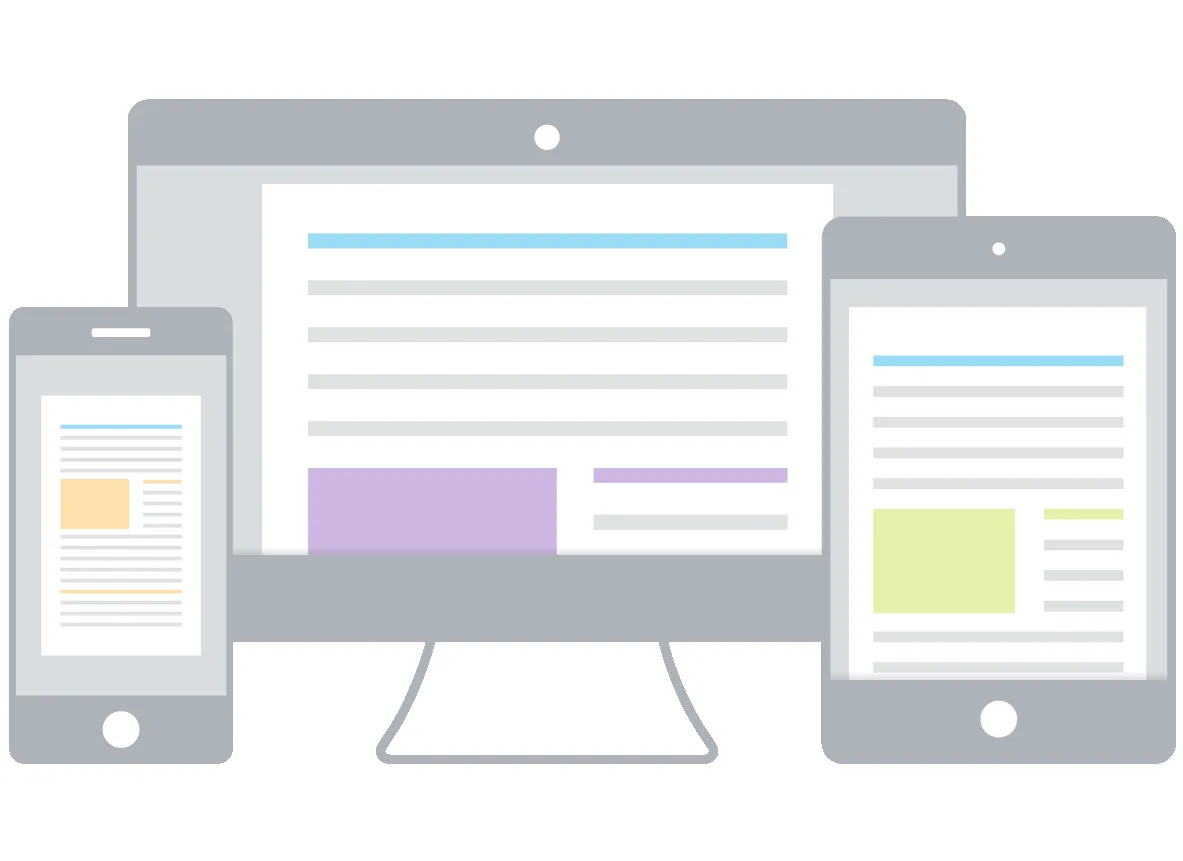
Explains how to work flexibly with Adobe Acrobat across multiple devices.
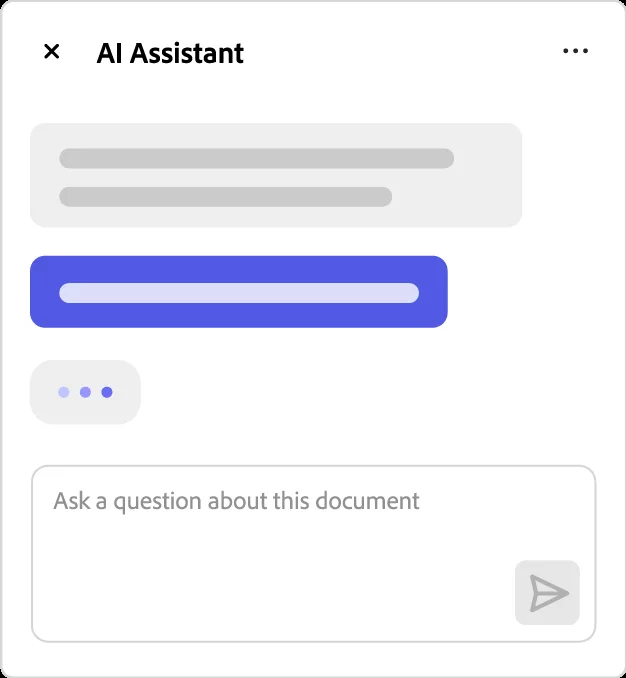
Introduces the Acrobat AI Assistant for generating content quickly.
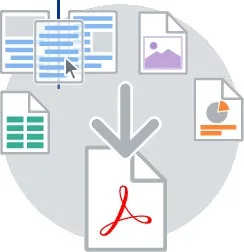
Details methods for merging and organizing files into a single PDF.
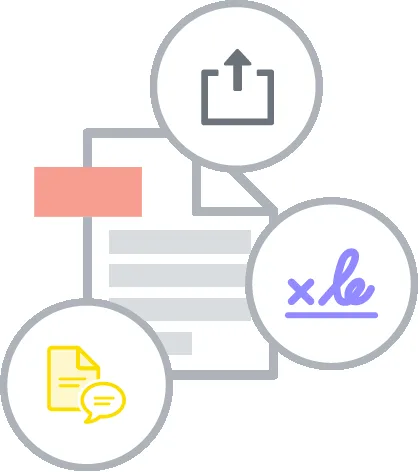
Provides tips for sharing files and tracking their status effectively.
This link leads to an external site. We do not know or endorse its content, and are not responsible for its safety. Click the link to proceed only if you trust this site.
German Language Learning Resources from A1 to C2Guide
PDFGuide
Disney Gift Card eGift Instructions and Redemption GuideGuide
PDFGuide
Objetivos de Proyecto de Titulación en SpaGuide
PDFGuide
Training Organisation Guide for TVET Certificate V in Electronics and Telecommunication – April 2024Guide
PDFGuide
Études en France: Guide pour les Étudiants InternationauxGuide
PDFGuide
PCOD PCOS Guide: Managing Symptoms and Lifestyle ChangesGuide
PDFGuide
Drafting Resource GuideGuide
FAQs
What are the benefits of using Acrobat AI Assistant?
The Acrobat AI Assistant allows users to interact with their documents to produce high-quality content quickly. By asking the AI Assistant questions, users can receive quick answers linked to sources primarily from their document. Additionally, voice prompts can be used to gain insights on the go, making it easier to create impactful content such as emails, blog posts, or meeting notes.
How can users work on PDFs from different devices?
Users can work on PDFs from mobile, desktop, or web platforms, providing flexibility and freedom. Signed-in users have the ability to access their files from any device. On desktops, they can view, comment on, fill out, e-sign, and send PDFs using the free Acrobat Reader, while Acrobat Pro and Standard subscribers can utilize premium tools for creating, editing, exporting, and organizing PDFs.
What features does Acrobat offer for organizing files?
Acrobat provides users with the ability to merge multiple files into one PDF, combining various file types such as spreadsheets, images, web pages, and videos. This makes it easy to share or archive materials. Users can also organize pages within their PDFs by rotating, deleting, reordering, or inserting pages, which can be done on desktops, tablets, or mobile devices.
How can users share files effectively with Acrobat?
Acrobat allows users to share files for viewing, commenting, or signature while tracking their status throughout the process. Sharing files is made simple with just a click and a type. For better collaboration, subscribers can send files for e-signature or review, consolidating group feedback in a single shared file. Users maintain control over their files, with options to track, forward, or stop sharing at any time.
What resources does Adobe provide for learning Acrobat?
Adobe offers a variety of resources to help users become proficient with Acrobat. These include tutorials that feature short videos and online instruction to enhance user expertise. Additionally, the Adobe Community provides forums where users can ask questions and find answers related to Acrobat. Adobe encourages users to share feedback to improve the software continuously.